

Last Updated: November 12, 2026
Quick Summary
To make a jigsaw puzzle from photo, upload a high-resolution image, choose your format and piece count, and place the order. Use a file with enough pixels to fill the board at about 300dpi, check the crop for your chosen shape, and follow the five ordering steps. Custom options start at $69.50.
- Confirm you have the legal right to use the photo, especially for bulk or resale orders.
- Calculate required pixels by multiplying board size in millimetres by 300, then dividing by 25.4.
- A 260 piece round jigsaw at 440mm by 440mm needs roughly 5,200 by 5,200 pixels.
- Flat-colour areas like open sky make a puzzle harder than high-contrast subjects, regardless of piece count.
- Ordering takes five steps: choose quantity, add notes, upload the image, add to cart, then pay.
Table of Contents
- What You'll Need Before You Order a Photo Puzzle
- Photo Puzzle Maker Steps: Upload, Choose and Order
- Photo Puzzle Resolution and Image Size Requirements
- Adding a Logo and Ordering Bulk Custom Jigsaw Puzzles
- Frequently Asked Questions
What You'll Need Before You Order a Photo Puzzle
Making a jigsaw puzzle from photo takes little preparation: one good image, a clear idea of the piece count, and a few minutes to check the file.
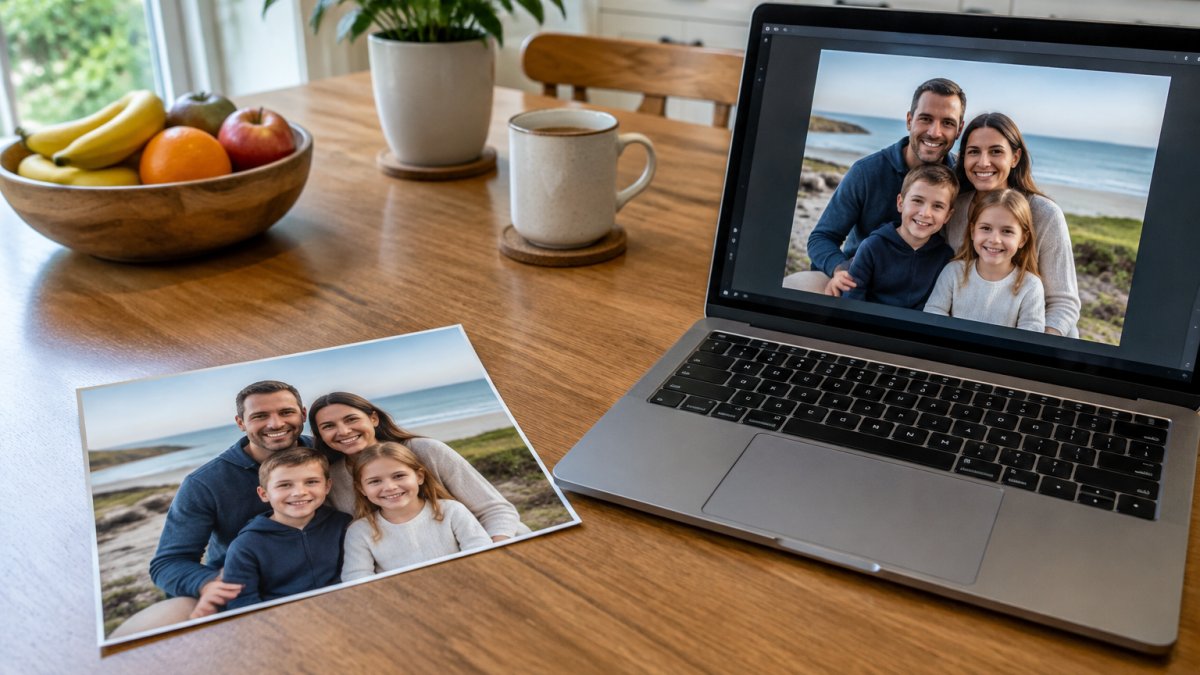
Choose your photo and confirm you have the legal right to use it. If a photographer or studio took the shot, check the licence covers printing and resale before ordering in bulk.
Next, decide on shape and size. Our custom range includes a 260 piece round jigsaw, a 70 piece landscape jigsaw and a 260 piece panoramic jigsaw, all at $69.50.
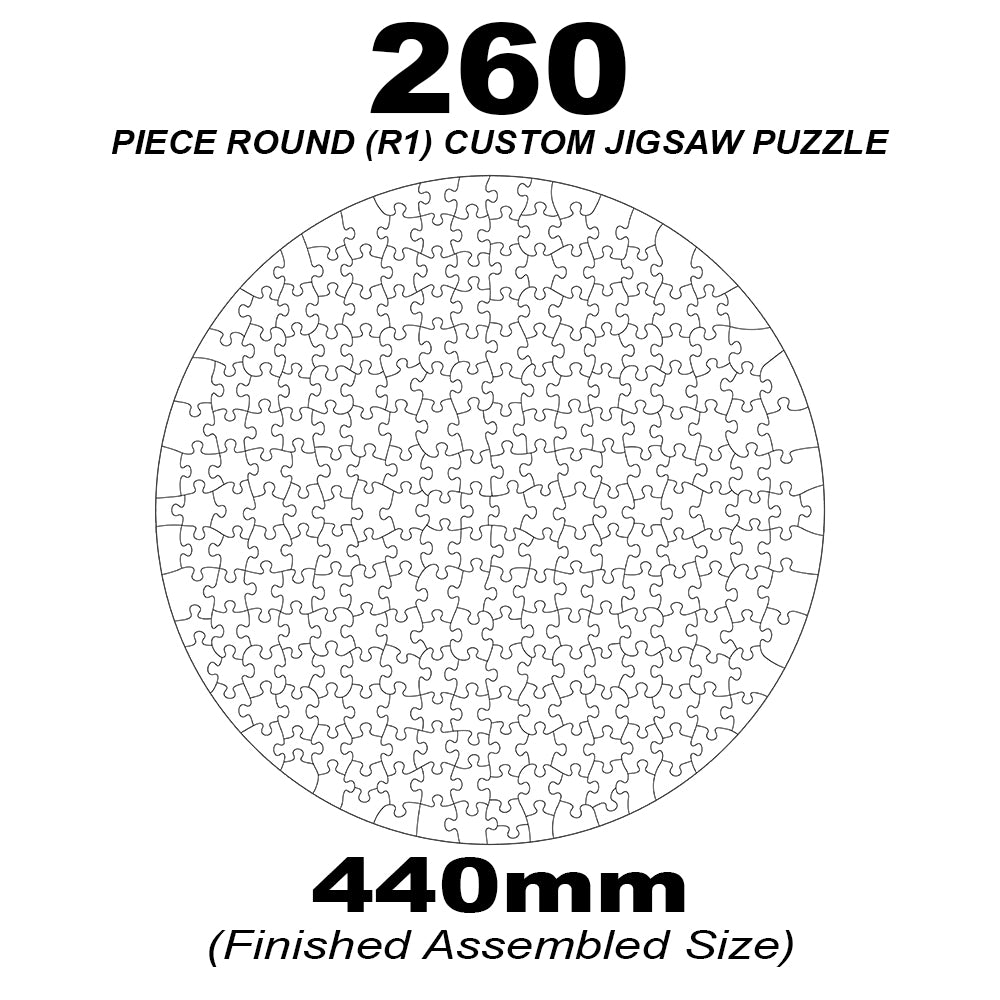
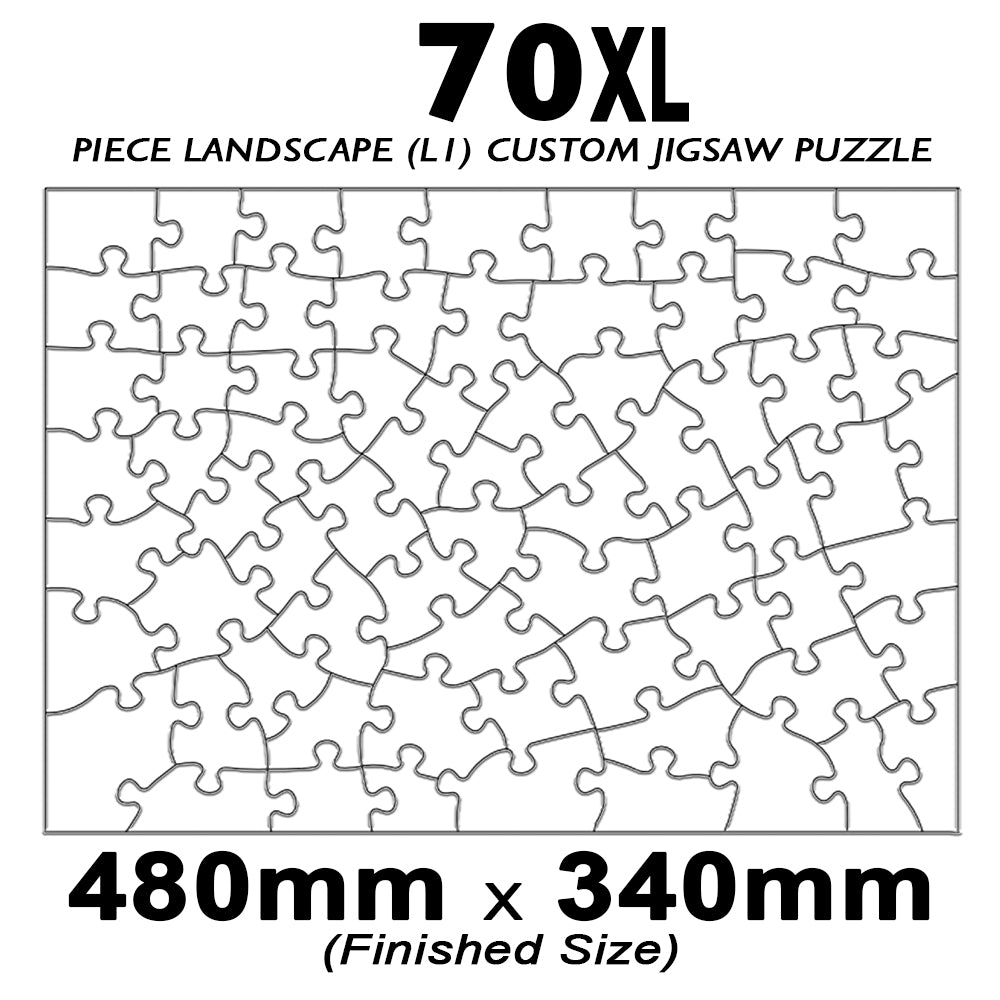
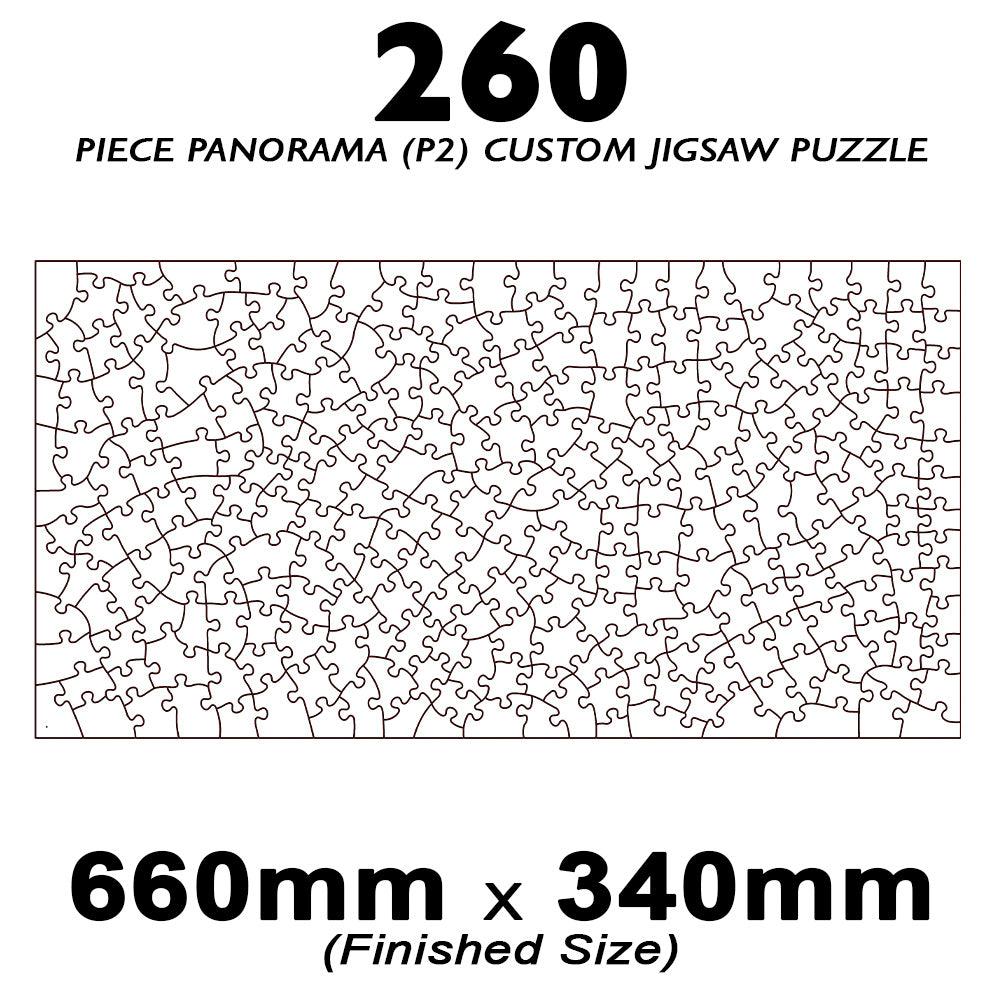
Piece count is the obvious lever on difficulty, but often the least important: a 260 piece puzzle of a busy flowerbed can be harder than a 1000 piece puzzle of a clear skyline. What drives difficulty is how distinguishable neighbouring pieces are, flat colour (open sky, calm water, a plain wall) is hardest, while high-contrast subjects with strong lines and varied texture are easier. For a child, pick a photo with clear separation between elements; for a challenge, a moody landscape with a big gradient sky will deliver it.
Aspect ratio is the other thing to settle now. Round, landscape and panoramic boards each crop differently, so a photo composed for one shape may lose its subject in another. Decide the format first, then check the crop, then confirm the file meets the resolution spec below.
For a display piece, a larger format such as our 1000 piece panoramic A2 custom jigsaw gives the finished puzzle enough scale to frame. Browse the full jigsaw puzzles range to compare sizes side by side.
Photo Puzzle Maker Steps: Upload, Choose and Order
Ordering a photo puzzle follows five steps, each taking only a few minutes:
- Select how many puzzles you want.
- Add any notes for us (optional).
- Upload your custom image.
- Click "Add To Cart".
- Check out, enter your details and pay.
Once payment is complete, the rest is handled for you. A larger format, such as our 1000 piece panoramic A2 custom jigsaw, is a strong option for display. Browse the full jigsaw puzzles range to compare sizes.
Ordering takes five steps, each of which takes only a few minutes.
| Step | What to do | Note |
|---|---|---|
| 1 | Select how many puzzles you want | Quantity is chosen first |
| 2 | Add any notes for us | Optional |
| 3 | Upload your custom image | Use the image you prepared |
| 4 | Click "Add To Cart" | Adds the order to your basket |
| 5 | Check out, enter details and pay | Production starts after payment |
Photo Puzzle Resolution and Image Size Requirements
Image quality decides how sharp the finished puzzle looks, and most disappointing photo puzzles fail here rather than in production. The file must contain enough pixels to fill the finished board at roughly 300dpi, a file that looks crisp on a phone can be soft stretched across an A2 board.
Work backwards from the finished size: multiply the board's width and height in millimetres by 300, then divide by 25.4. For the 260 piece round jigsaw at 440mm by 440mm, that is roughly 5,200 by 5,200 pixels; for the 70 piece landscape at 480mm by 340mm, roughly 5,700 by 4,000 pixels. A 1000 piece panoramic A2 board needs considerably more again. If your file falls short, choose a smaller format, crop tighter, or source a higher-resolution original, upscaling software invents detail rather than recovering it.
Aspect ratio matters as much as pixel count. Each format has a fixed shape, and any photo that does not match it will be cropped to fit, a tall phone photo on a wide landscape board loses its top and bottom, often where heads and horizons sit. Check the crop before you upload. The same file is used for the box lid, so a clean, well-composed image covers both the puzzle and its packaging.
JPEG, PNG and TIFF are all accepted. JPEG suits photographs and keeps files small; PNG suits logos and flat graphics; TIFF preserves the most data. Keep the file under the upload limit by exporting at high quality rather than shrinking dimensions.
Heavy filters, aggressive sharpening and screenshot re-saves all degrade an image, and the damage is far more visible at puzzle scale than on a screen. Send the original export, not a copy of a copy. Our guide on how to avoid blurry photo puzzles walks through the checks in order.
Adding a Logo and Ordering Bulk Custom Jigsaw Puzzles
Businesses often order branded puzzles for events, client gifts or promotions. The same upload process applies, and you can add your logo to the artwork. QPuzzles offers white-labelled puzzle products for corporate branding.
Check the file spec before you send artwork. Once your design is ready, browse our custom puzzle options and place your order.
Frequently Asked Questions
How do I make a jigsaw puzzle from my photo?
Choose your piece count and puzzle shape on the QPuzzles product page, then upload your image using the custom upload step. Follow the file specifications listed on the page, check the preview, add any notes for the team and add the puzzle to your cart. Once payment is complete, QPuzzles produces the puzzle on the Gold Coast and the order is ready to go.
What resolution should a photo be for a jigsaw puzzle?
QPuzzles recommends a resolution of 300dpi for all custom puzzle images. For the 260 piece round puzzle the image should be 440mm by 440mm, for the 70XL and 120XL landscape puzzles 480mm by 340mm, and for the 260 piece panoramic puzzle 660mm by 340mm. Accepted file formats are jpeg, png and tiff, using Adobe RGB or sRGB colour space.

